
CrownGreen App New Zealand: Download PWA for Android & iOS Web App
CrownGreen app NZ is a Progressive Web App (PWA) for Android and iOS, installable directly via Safari or Chrome without app stores. It gives New Zealand players unrestricted access to over 2,000 pokies and 100+ live casino tables from 90+ providers. The secure mobile platform supports full functionality, including tournaments and fast NZD transactions from mobile devices.
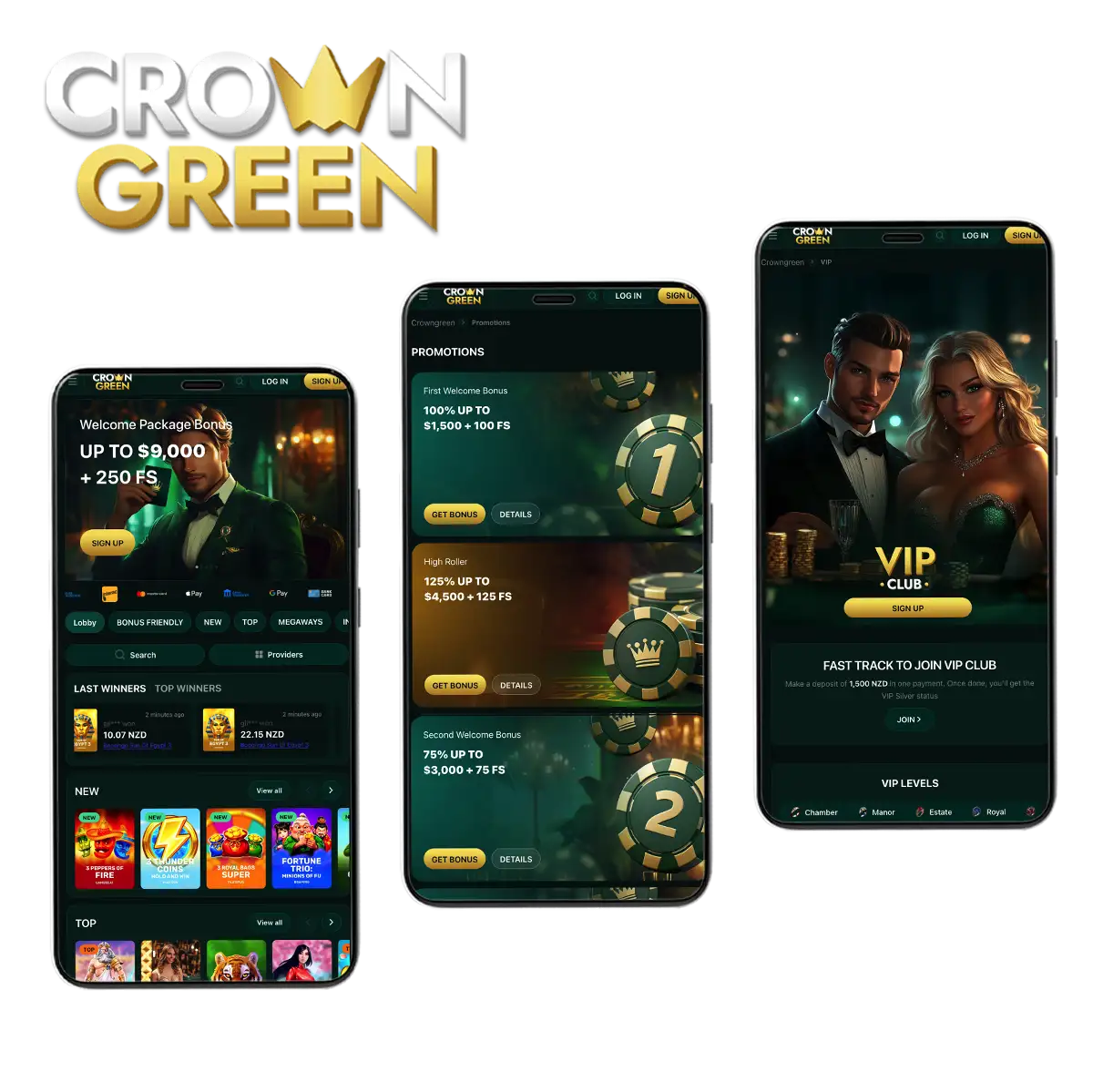
CrownGreen App Screenshots
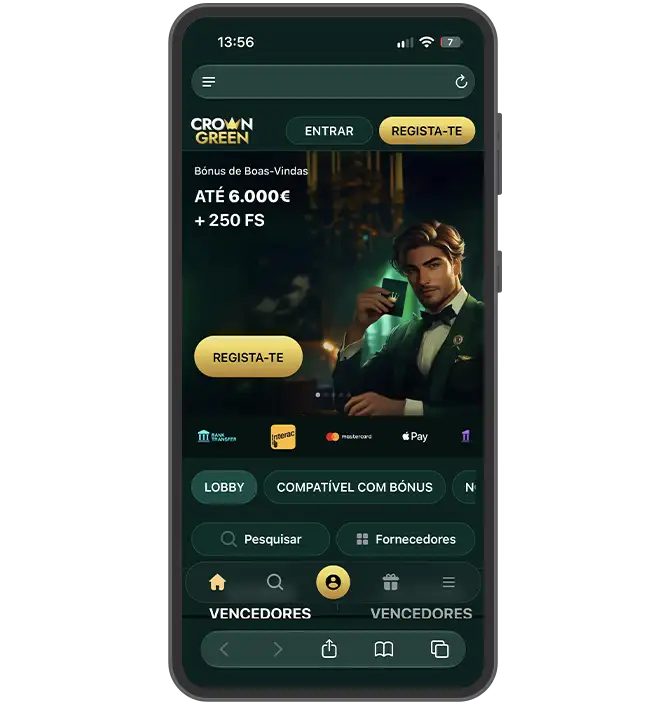
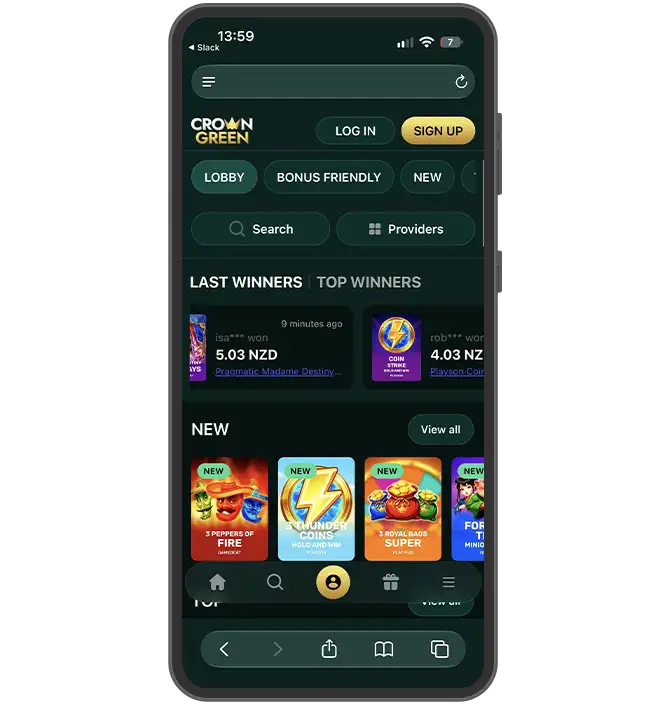
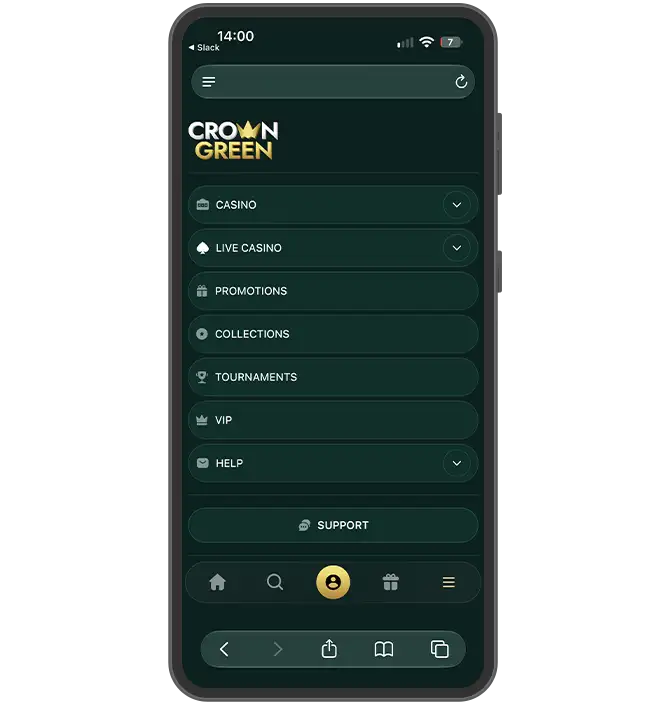
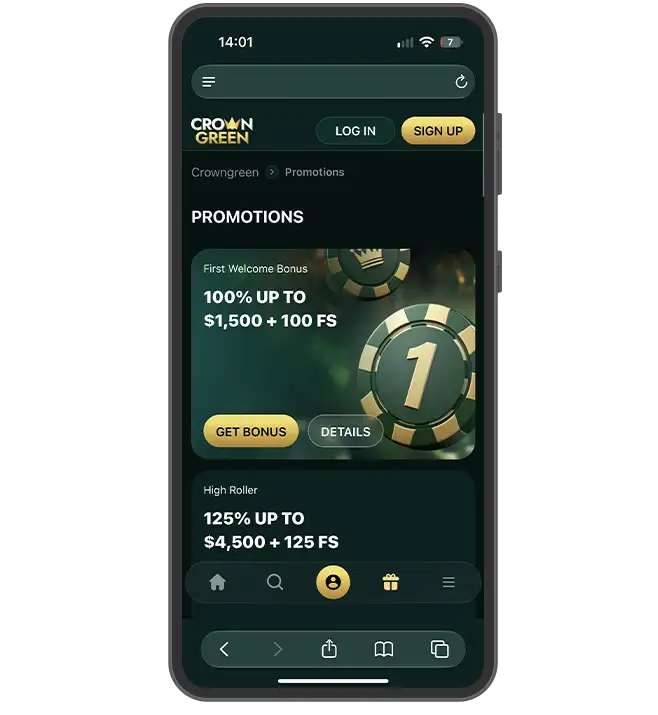
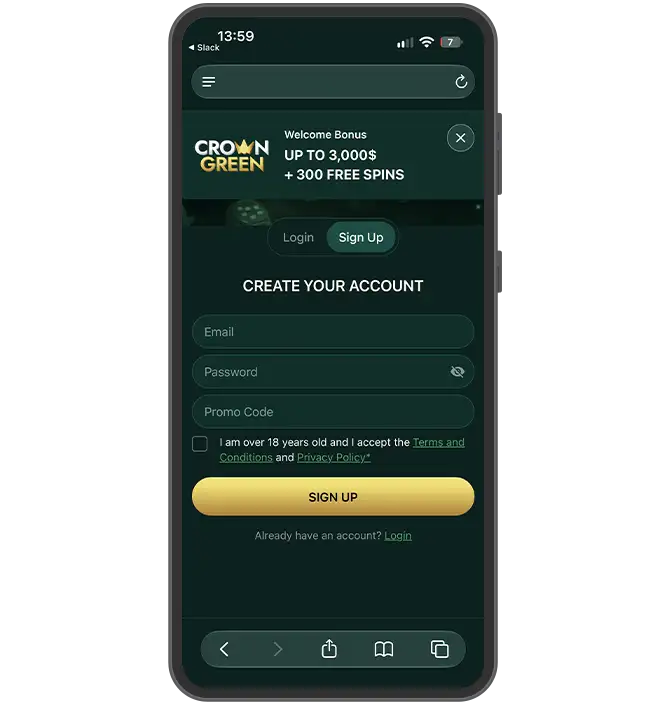
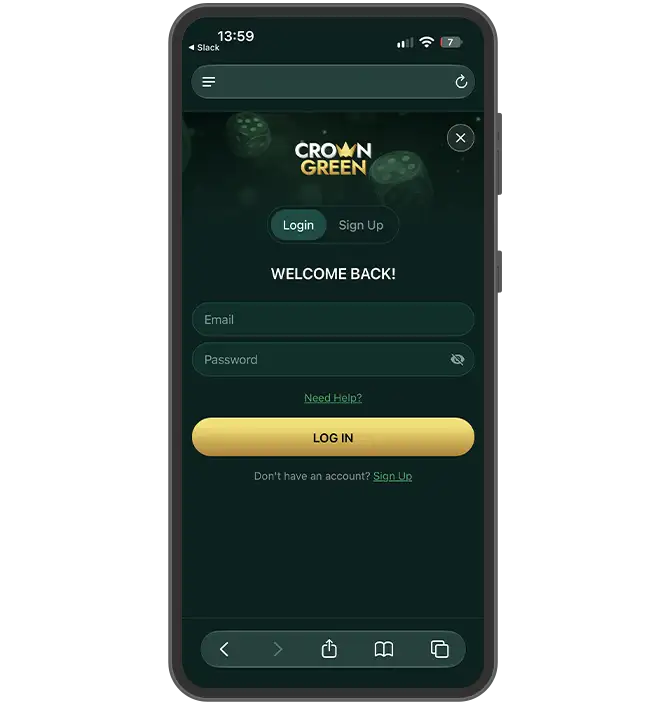
Technical Overview of the CrownGreen Mobile Platform
The CrownGreen app New Zealand operates through adaptive web technologies tailored for users. The casino delivers a fully responsive mobile solution through PWA (Progressive Web App) installation, which functions on both major operating systems without traditional app store downloads. This technical approach enables instant access to over 2,000 Pokies, 100+ live dealer tables and all banking features directly through Safari or Chrome browsers.
| Parameter | Android PWA/APK | iOS PWA |
|---|---|---|
| Supported OS | Android 8.0 and above | iOS 12.0 and above |
| Cost | Free | Free |
| Estimated File Size | 15 MB | 12 MB |
| App Version | 2.1.0 | 2.1.0 |
| Languages | English | English |
| Supported Currency | NZD, USD, EUR, AUD | NZD, USD, EUR, AUD |
| Key Categories | Pokies, Live Casino, Jackpots, Instant Win | Pokies, Live Casino, Jackpots, Instant Win |
| Min System Requirements | 2 GB RAM, stable internet | 2 GB RAM, stable internet |
Advantages of Mobile Gaming at CrownGreen New Zealand
Players from New Zealand can access CrownGreen through any mobile browser without downloading a separate application. The platform offers a fully optimised PWA solution with several practical benefits.
- Fast pokies loading: games open instantly on 4G/5G networks and Wi-Fi connections without delays or buffering;
- Seamless cashier integration: the CrownGreen mobile casino accepts Paysafecard deposits (from NZD 30) directly through the mobile interface alongside Visa, Mastercard, Skrill and Neteller;
- Push notifications: players who install the PWA version receive instant alerts about exclusive promo codes, weekly bonus drops (VIP Tuesday Power, Wednesday Thrills, Golden Friday) and tournament updates;
- Biometric login: fingerprint and Face ID authentication provides quick access without manual password entry on smartphones and tablets;
- Full functionality: registration, deposits, live dealer games and withdrawals (up to NZD 7,500 daily for standard accounts) work identically to the desktop version;
- Screen adaptation: the responsive design adjusts automatically to any device size and orientation.
All 2,000+ games from providers such as NetEnt, Evolution and Pragmatic Play remain available through the mobile browser.
How to Install CrownGreen PWA on Android
Installing the Progressive Web Application on Android devices offers quick access to all casino features and enables push notifications for exclusive codes and promotions. The process takes less than two minutes and requires no Crowngreen apk download from external sources. Follow these steps to add the shortcut to your home screen and start playing instantly.
- 1
Opening the browser
Launch Chrome or your preferred Android browser and navigate to the official casino website.
- 2
Accessing the menu
Tap the three-dot menu icon in the top-right corner of the browser window.
- 3
Selecting the installation option
Choose "Add to Home Screen" or "Install App" from the dropdown menu options.
- 4
Confirming the name
Enter or confirm the shortcut name and tap "Add" to proceed with installation.
- 5
Locating the icon
Find the newly created icon on your home screen alongside other installed applications.
- 6
Launching the application
Tap the icon to open the PWA version and log in with existing credentials.
How to Install CrownGreen Web App on iOS (iPhone & iPad)
Players who want quick access from their iPhone or iPad can add the web application directly to their home screen. The platform offers a PWA solution, which functions as a standalone icon without requiring a traditional download CrownGreen app process through the App Store. Follow these steps to complete the installation.
- 1
Open Safari browser
Launch Safari and navigate to the CrownGreen website.
- 2
Access the sharing menu
Tap the Share icon located at the bottom of the screen.
- 3
Select the installation option
Scroll down and choose "Add to Home Screen" from the menu.
- 4
Confirm the application name
Review the suggested name and tap "Add" in the top-right corner.
- 5
Locate the new icon
Find the CrownGreen icon on your home screen.
- 6
Launch the application
Tap the icon to open the web app in full-screen mode.
The installed version retains full functionality, including registration, deposits, and access to over 2,000 casino games.
Registration and Login via Mobile Devices
Creating a profile and accessing your account from a smartphone is quick and user-friendly. Because the platform operates as a Progressive Web App, you don't need to visit traditional stores to download CrownGreen app - simply launch it directly from your mobile browser.
- 1
Open the website
Visit the official Crown Green address through a mobile browser and tap the registration button on the homepage.
- 2
Fill the registration form
Enter personal details, including email, password, and phone number in the designated fields.
- 3
Confirm age eligibility
Tick the box that verifies age 18+ status and accept the terms and conditions.
- 4
Complete registration
Submit the form and wait for the confirmation email or SMS code.
- 5
Log in to the account
Enter the chosen username and password on the login screen.
- 6
Save the session
Select the "Remember me" option to maintain access without repeated logins.
- 7
Enable biometric authentication
Activate fingerprint or face recognition in the account settings for faster future logins.
Optimized Mobile Games & Live Casino
Players can access the entire collection through mobile browsers without downloading a separate app. The adaptive interface adjusts to portrait and landscape orientations, which ensures comfort across different screen sizes and usage preferences.
- Touchscreen-optimized pokies controls: Spin buttons, bet adjusters and paytable menus respond accurately to taps and swipes, which eliminates the need for precision clicking;
- Portrait and landscape support: The CrownGreen mobile casino interface rotates seamlessly between vertical and horizontal screen orientations to suit individual preferences;
- High-definition Live Casino streams: Real-time video feeds from Evolution and other providers maintain clear visuals and stable connections on 4G and 5G networks;
- Fast-loading Crash games: Instant-win titles like Aviator and similar mechanics load within seconds and register taps immediately for time-sensitive bets;
- Full library of 2,000+ titles: Pokies, table games, video poker and scratch cards remain accessible on smartphones and tablets without desktop restrictions.
All payment methods, account settings and bonus claims function identically on mobile browsers as on desktop versions.
Mobile Banking in New Zealand: Fast Deposits & Withdrawals
Players in New Zealand can fund accounts and cash out winnings directly through smartphones. The CrownGreen app NZ delivers instant access to multiple financial tools, all optimized for mobile browsers without requiring separate downloads.
| Payment Method | Minimum Deposit | Maximum Deposit | Minimum Withdrawal | Maximum Withdrawal (Daily) | Deposit Processing | Withdrawal Processing |
|---|---|---|---|---|---|---|
| Visa | 30 NZD | 1,500 NZD | 100 NZD | 7,500 NZD | Instant | ~1 hour |
| Mastercard | 30 NZD | 1,500 NZD | 100 NZD | 7,500 NZD | Instant | ~1 hour |
| Paysafecard | 30 NZD | Voucher limit | Not available | Not available | Instant | Not available |
| Skrill | 45 NZD | Not specified | Not available | Not available | Instant | Not available |
| Neteller | 45 NZD | Not specified | Not available | Not available | Instant | Not available |
| Bank Transfer | Not available | Not available | 100 NZD | 7,500 NZD | - | ~1 hour |
VIP members with Estate or Royal status can withdraw NZD 15,000 daily. Crown Reserve holders face no daily limits.
Comparison: Installed Web App vs Standard Browser Gaming
Players in New Zealand can access the CrownGreen app through two distinct methods: a standard mobile browser or an installed progressive web application (PWA). The PWA solution delivers enhanced functionality without requiring a traditional download from app stores. Both options preserve full access to the catalogue of 2,000+ games, deposit methods, and bonus systems.
| System Feature | Standard Mobile Browser | Installed Web App |
|---|---|---|
| Installation Requirement | None | One-tap installation via browser prompt |
| Data Usage | Higher consumption per session | Reduced data through cached assets |
| Push Notifications | Unavailable | Exclusive promotional codes and bonus alerts |
| Biometric Authorisation | Manual login each visit | Fingerprint and Face ID support |
| Interface Optimisation | Responsive web design | Native-like fullscreen experience |
The PWA format provides faster load times and direct home screen access without occupying significant storage space on devices.
App Updates and Security Features
The CrownGreen PWA updates automatically on Android and iOS every time you launch it, delivering new features and security patches without manual intervention. To force an update, simply refresh your mobile browser or re-add the home screen icon.
When playing on CrownGreen mobile networks away from home, your personal and financial data is protected by standard SSL encryption protocols. You can verify connection security at any time by checking for the padlock icon in your browser's address bar.
Mobile Customer Support
Customer service options remain accessible around the clock for users on smartphones and tablets.
- 24/7 live chat: Real-time messaging connects players with support specialists instantly through mobile browsers or the CrownGreen app NZ interface, with response times averaging 1-5 minutes;
- Email assistance: Contact [email protected] for detailed inquiries, with replies delivered within 24 hours;
- Screenshot and document sharing: The mobile camera function allows users to attach images or files directly from their device when reporting technical issues or submitting verification documents;
- VIP manager contact: High-tier members with Estate, Royal, or Crown Reserve status receive personal assistance from dedicated account managers who handle priority requests and resolve financial queries faster than standard channels;
- English language service: All communication channels operate in English to serve the New Zealand audience.
Frequently Asked Questions (FAQ)
Is the CrownGreen mobile app free to download in New Zealand?
Players in New Zealand access the CrownGreen app without charges. Installation happens through the browser PWA icon, which adds the web app to devices at no cost. No download fees apply, and all features remain accessible.
How do I install the latest APK version on my Android device?
Open the official CrownGreen site on your Android browser. Tap the menu icon and select "Install App" or "Add to Home Screen" to get the PWA shortcut. Refresh the page for the latest version.
Can I deposit NZD ($) using Paysafecard on mobile?
Yes, the CrownGreen app NZ accepts Paysafecard deposits in NZD through mobile browsers. The minimum deposit starts at NZD 30. Withdrawals process via bank transfer with a NZD 40 minimum and NZD 7,500 daily maximum. Standard processing takes around 1 hour after approval.
Are all real money Pokies available on smartphones?
Most Pokies and Live Casino titles function on Android and iOS devices through the CrownGreen mobile casino browser version. The touch-friendly layout adapts to smartphone and tablet screens and preserves full functionality.
How do I add the iOS shortcut to my iPhone home screen?
Open the CrownGreen site in Safari, tap Share, select Add to Home Screen, and confirm to download CrownGreen app as a shortcut.
Is biometric login safe for mobile gaming at CrownGreen?
Face ID and fingerprint authentication protect access to the account through the CrownGreen version. These biometric technologies add a security layer to prevent unauthorized entry. The system scans unique biological markers before granting permission to play. This method proves reliable for safeguarding funds and personal details.